


Snuggledrobe
New Brick Game Console | Large Screen Nostalgic Puzzle Game, 23 Built-in Block Games, Adjustable Speed & Difficulty, Battery Powered (2 AA)
New Brick Game Console | Large Screen Nostalgic Puzzle Game, 23 Built-in Block Games, Adjustable Speed & Difficulty, Battery Powered (2 AA)
Couldn't load pickup availability
Brick Game Console - Simple Features & Key Instructions
Key Product Features
-
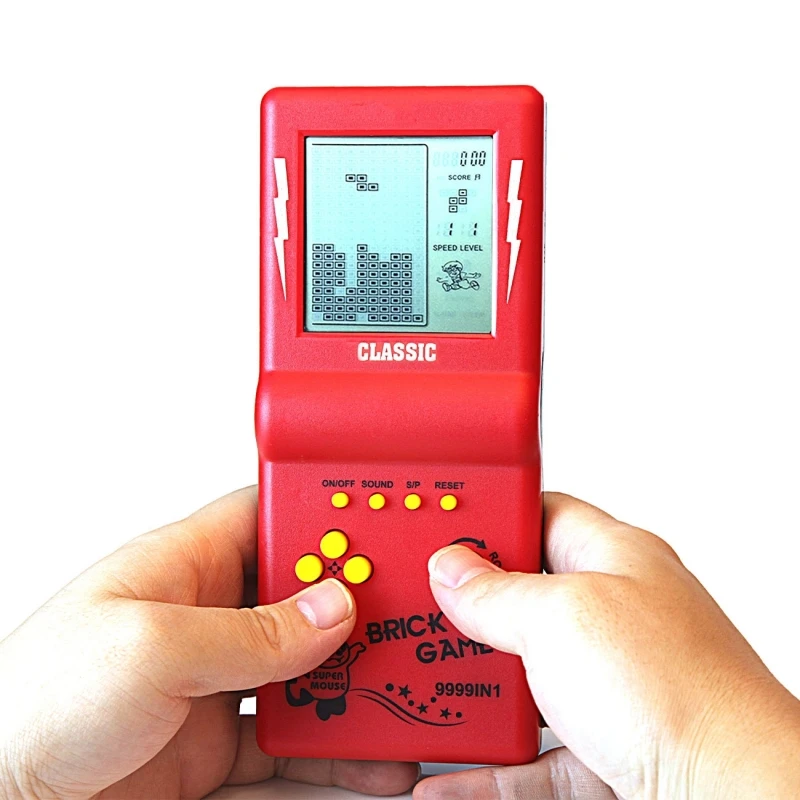
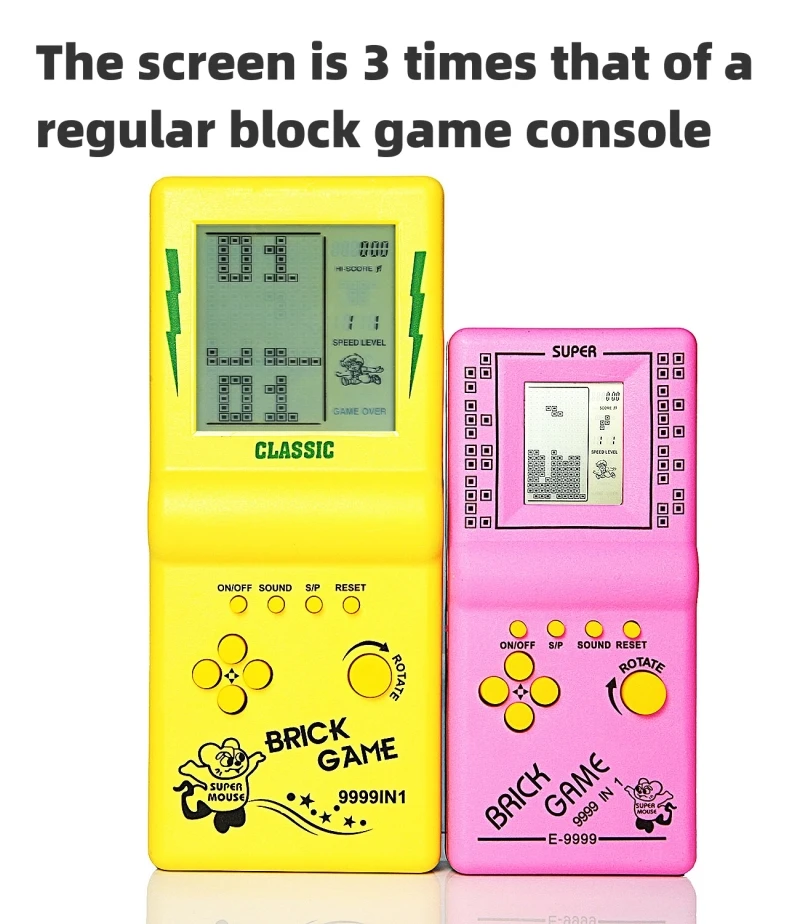
Large screen: 3 times the size of ordinary brick game consoles, with better visual effects. Ergonomic design for comfortable grip and easy operation. It is a great gift and a good companion for travel or killing time.
-
23 built-in games: Including classic, nostalgic and puzzle games. Each game brings fun. Press "ROTATE" to adjust the screen top number and select games. No. "01" is the popular classic brick game, which evokes good memories for people born in the 70s, 80s and 90s.
-
Adjustable settings: You can adjust game speed, levels and difficulty. After selecting a game, press the right arrow to adjust speed, left arrow to adjust difficulty, and up/down arrows to adjust levels before starting the game.
-
Pause & resume: No need to restart. Press "S/P" to pause, then press "ON/OFF" to shut down. Next time, turn on with "ON/OFF" and press "S/P" again to resume.
-
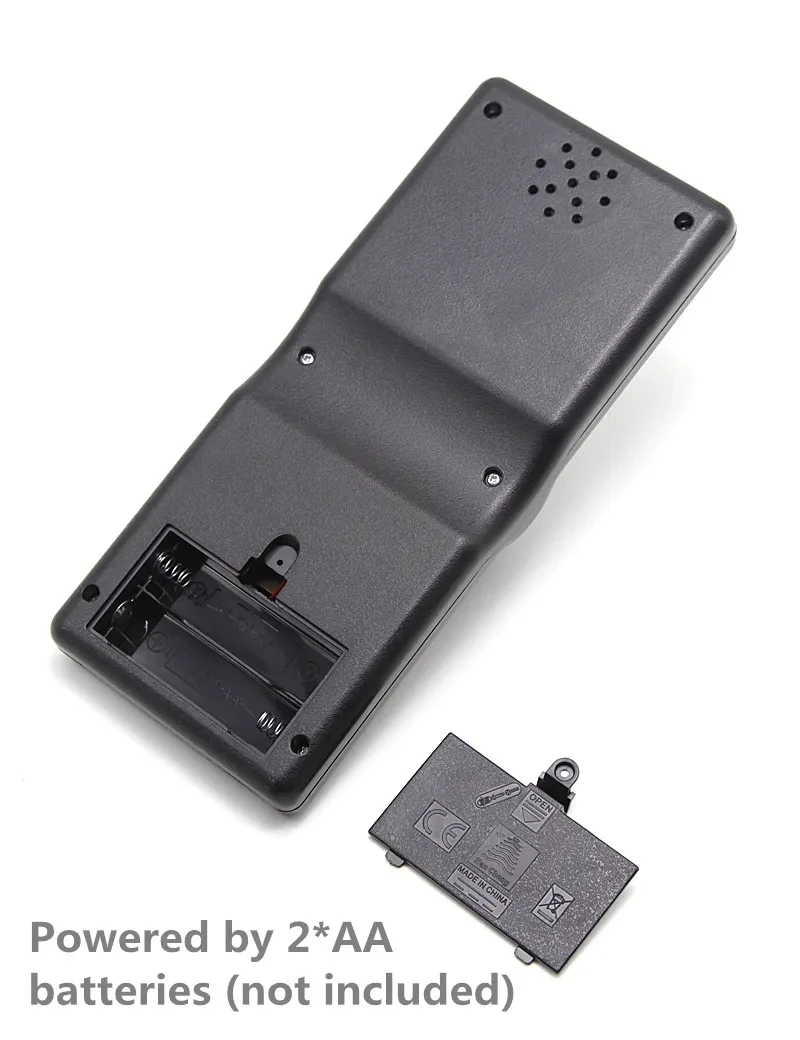
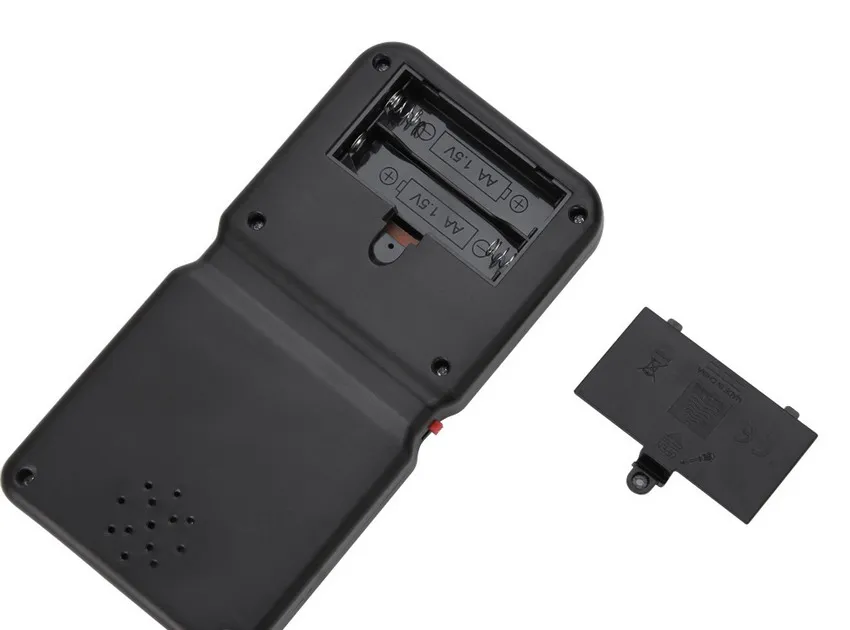
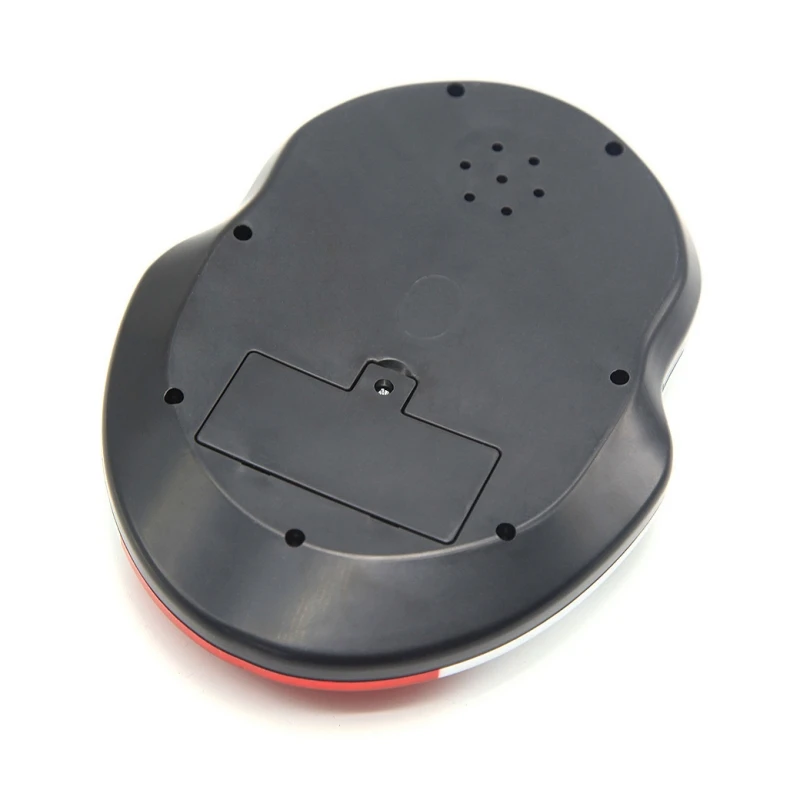
Battery powered: Uses 2 AA batteries (not included, easy to buy). Low power consumption, 2 AA batteries can last about 4 weeks (varies by battery quality).
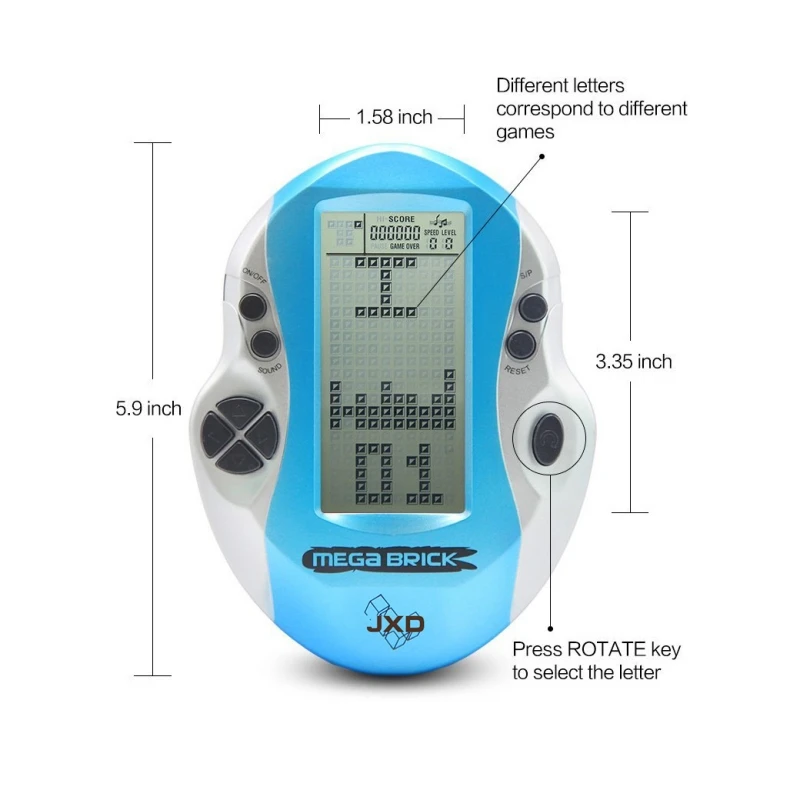
Product Size & Weight
Function Key Instructions
-
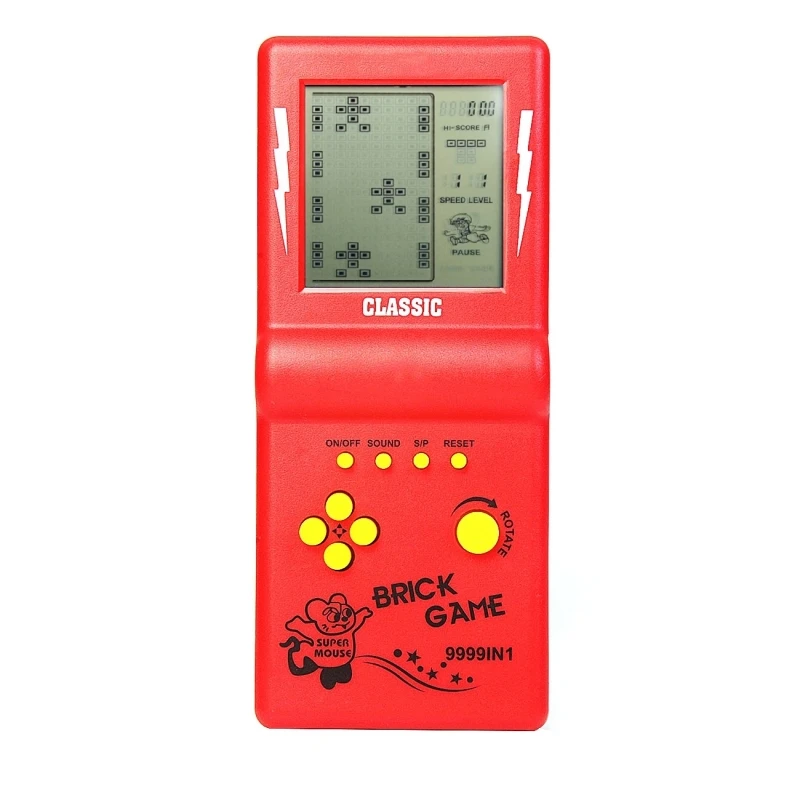
ON/OFF: Press to turn the console on or off.
-
ROTATE: Press to select games before starting; used for in-game operations during gameplay.
-
SOUND: Press repeatedly to turn sound on or off.
-
S/P (Start/Pause): Press repeatedly to start or pause the selected game.
-
RESET: Press to reset the entire console system.
-
UP/DOWN: Select game modes before starting; control up/down movement during gameplay.
-
LEFT/RIGHT: Adjust level (LEFT) and speed (RIGHT) before starting; control left/right movement during gameplay.
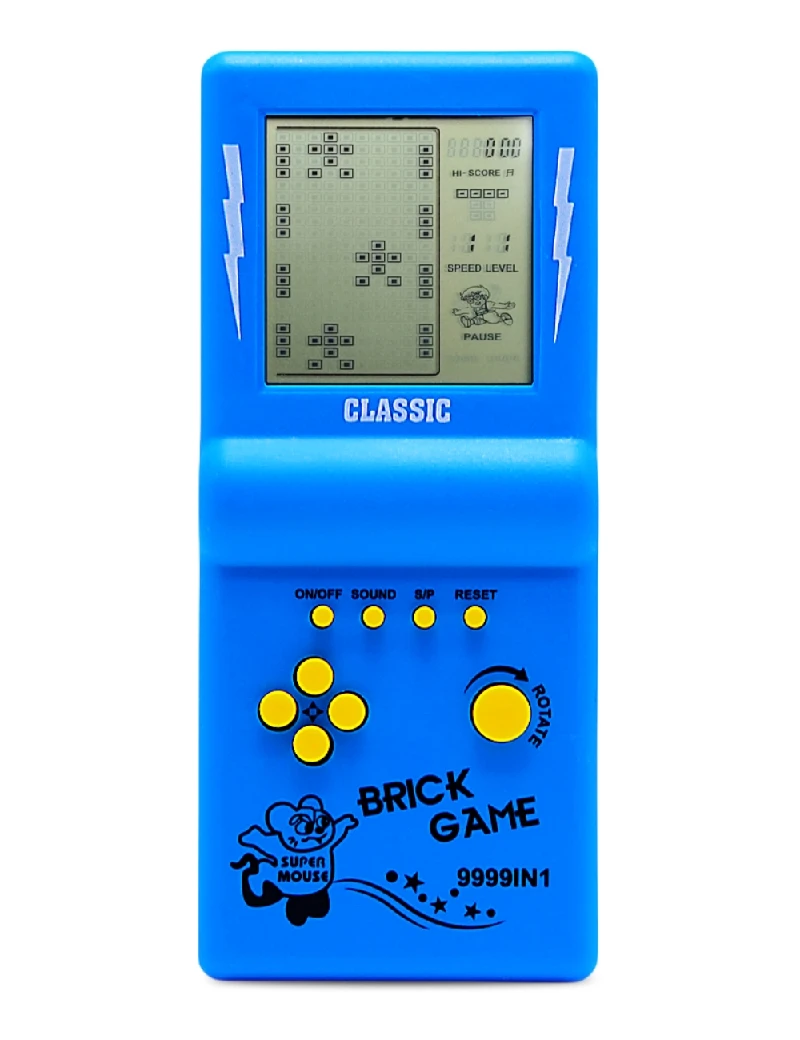
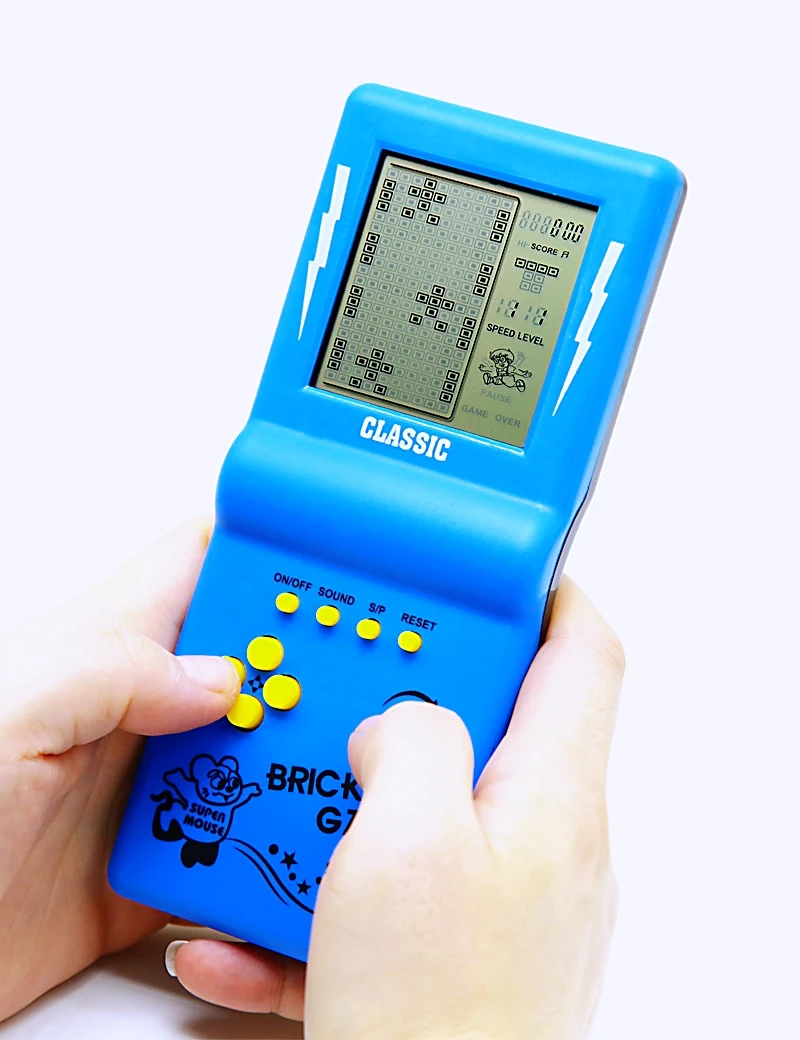

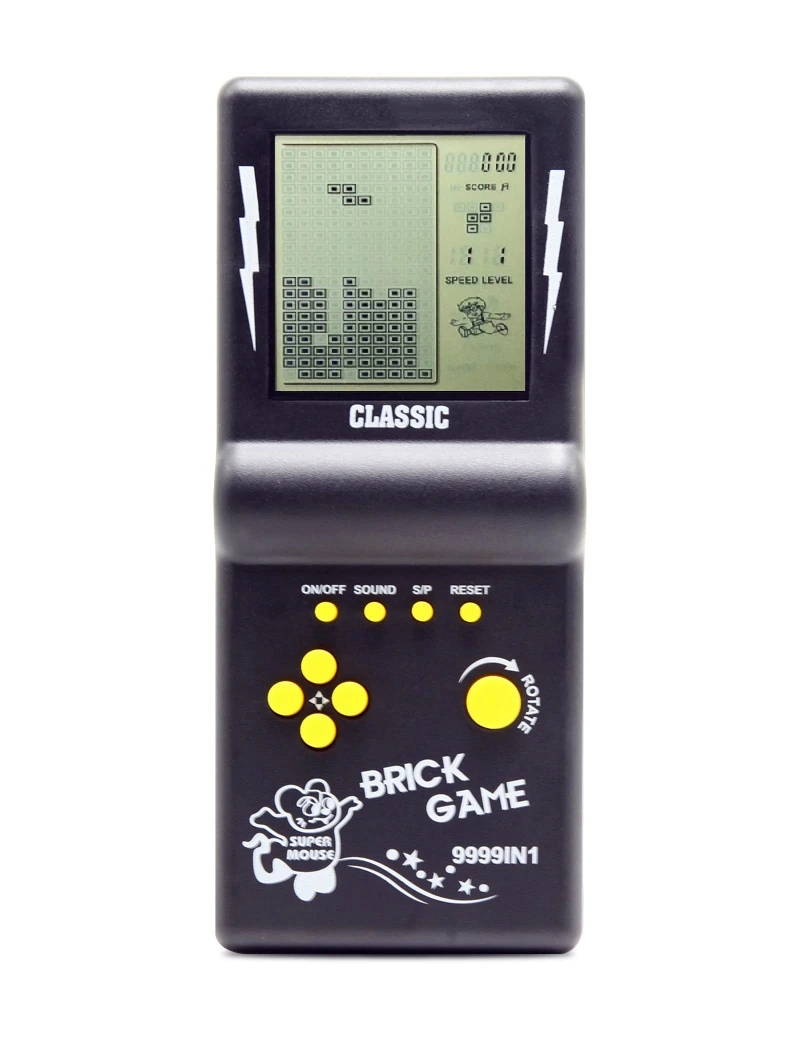
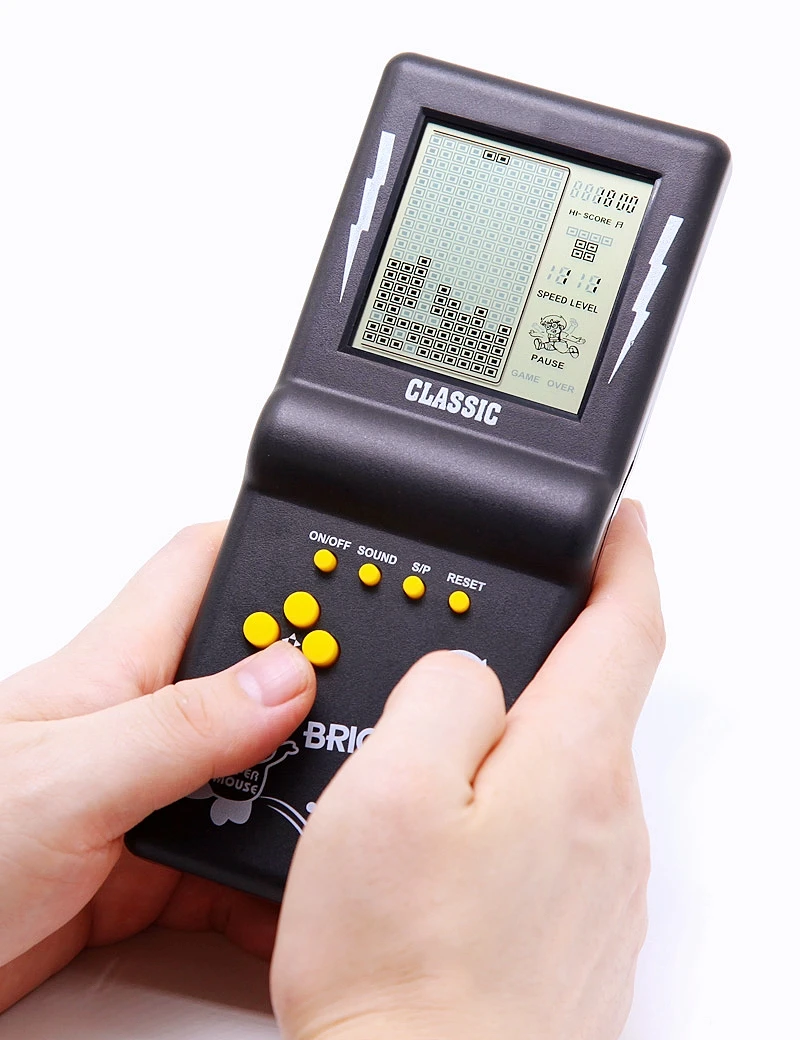
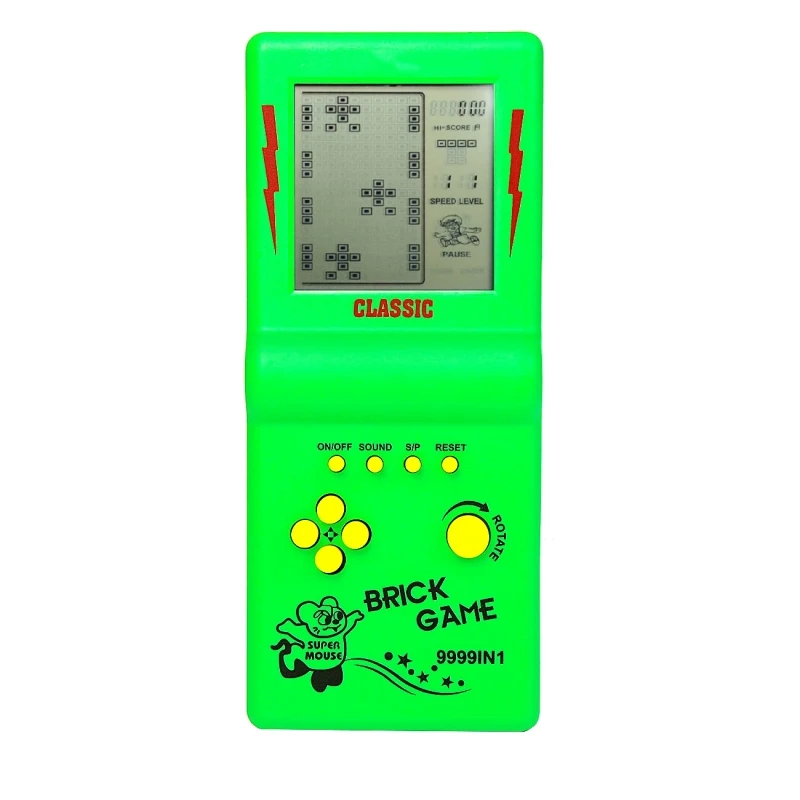
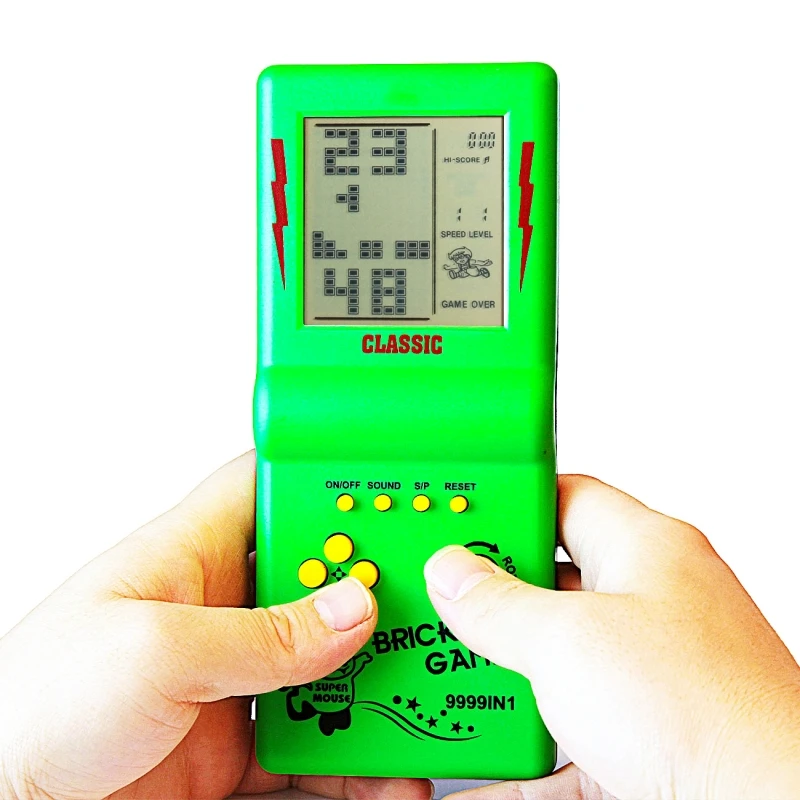
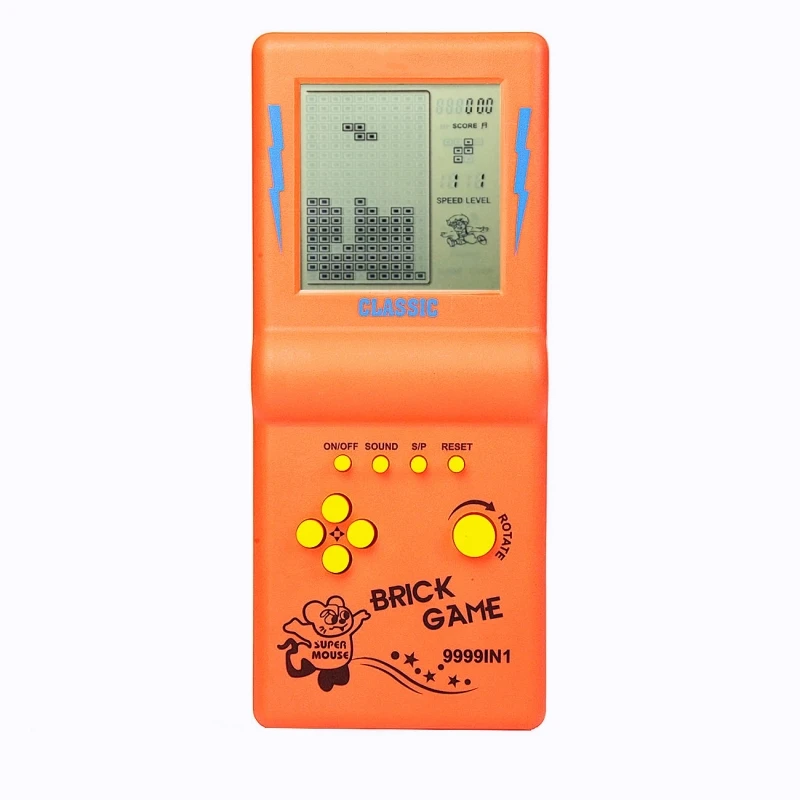
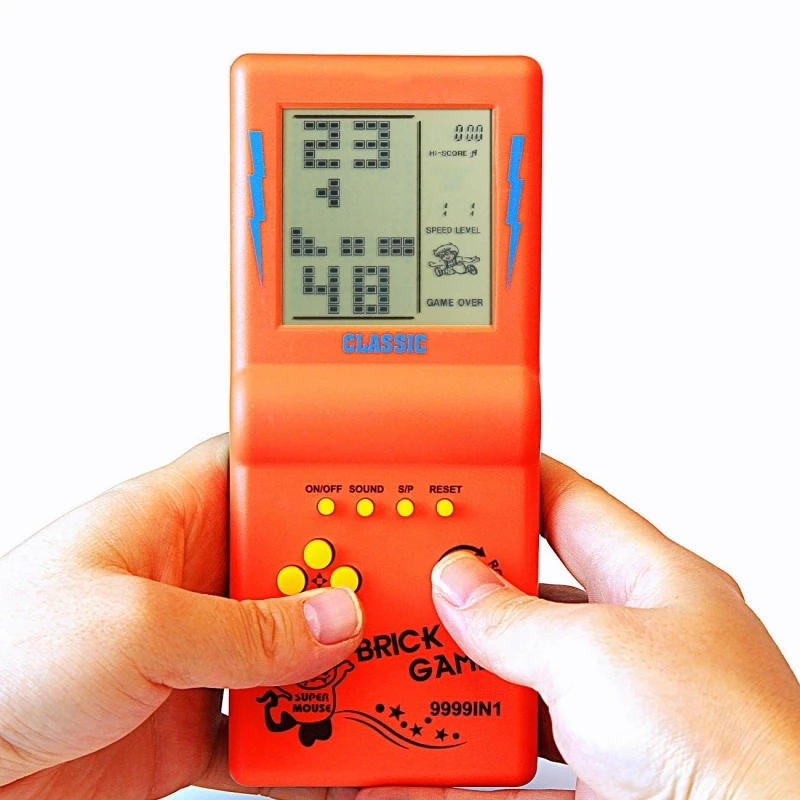
Game list and operation:
01.Classic Brick game:LEFT/RIGHT key control direction, ROTATE key to deformation.
02-08.Other Brick game:LEF /RIGHT key control direction, ROTATE key to deformation.
09.Tanks war:UP/DOWN/LEFT/RIGHT key control direction, ROTATE key to launch bullets.
10.Racing game:LEFT/RIGHT key control direction, ROTATE key to accelerate.
11.Pinbal:LEFT/RIGHT key control direction, ROTATE to speed up the ball movement speedl.
12.Shooting:LEFT/RIGHT key control direction, ROTATE key launch bullets.
13.Obstacles Pinball:LEFT/RIGHT key control direction, ROTATE to speed up the ball movement speedl.
14-15.Fill Shooting:LEFT/RIGHT key control direction, ROTATE key fired bullets.
16-23.Various Reverse Brick game:LEFT / RIGHT key control direction, ROTATE key to deformation.
Special Note:
1.Function key instructions and game list and operation can be seen on the product description of the product page.
2.Press the ROTATE key to select the number at the top of the screen to select the game.
3.Press S/P key repeating to start or pause the game.
4.Game progress save: press the S/P key to pause, then press the ON/OFF key to shut down , press the S/P key again at the next boot,you can play with last game progress.
5.For the novice recommended to choose the number“01”, Suitable for playing simple Classic Brick game.
6. the screen is not glowing black- white screen, you will see more clearly 45 degrees angle tilt in use.

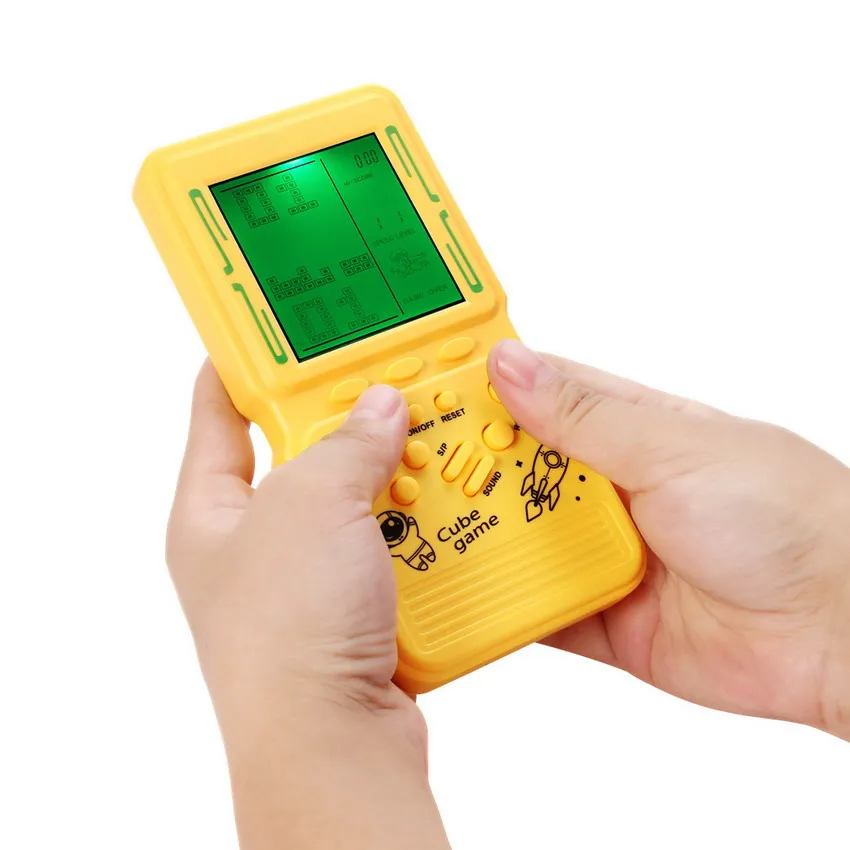
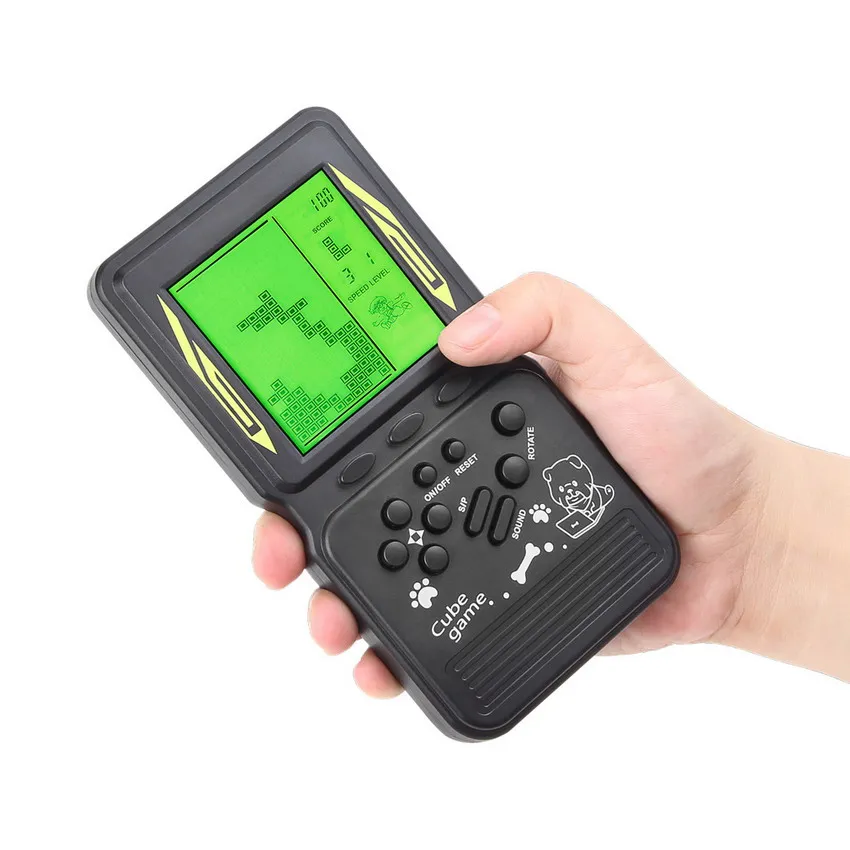
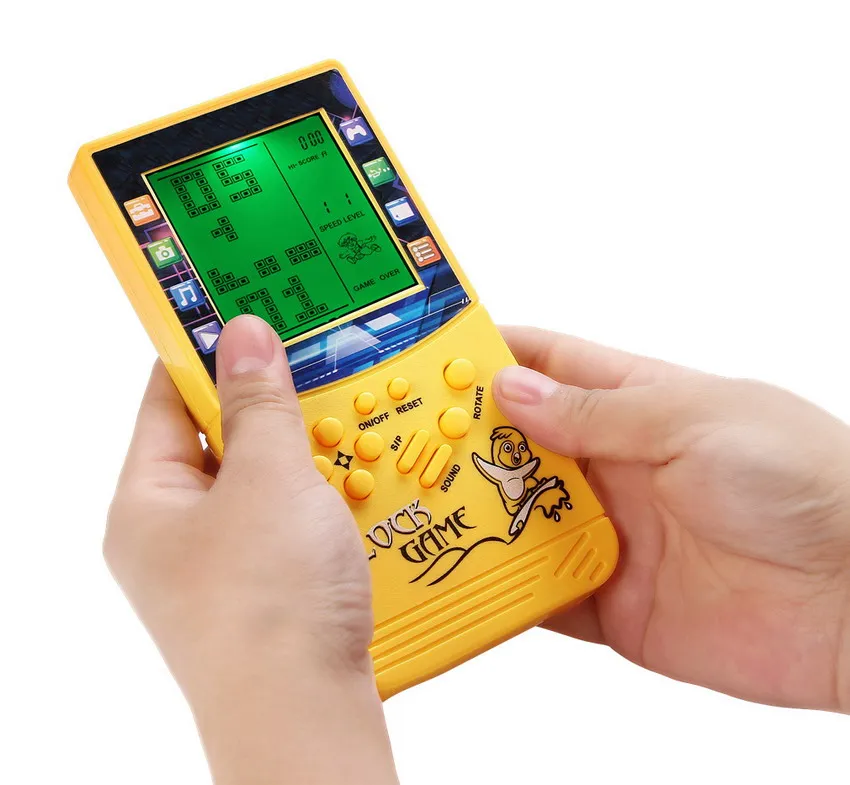
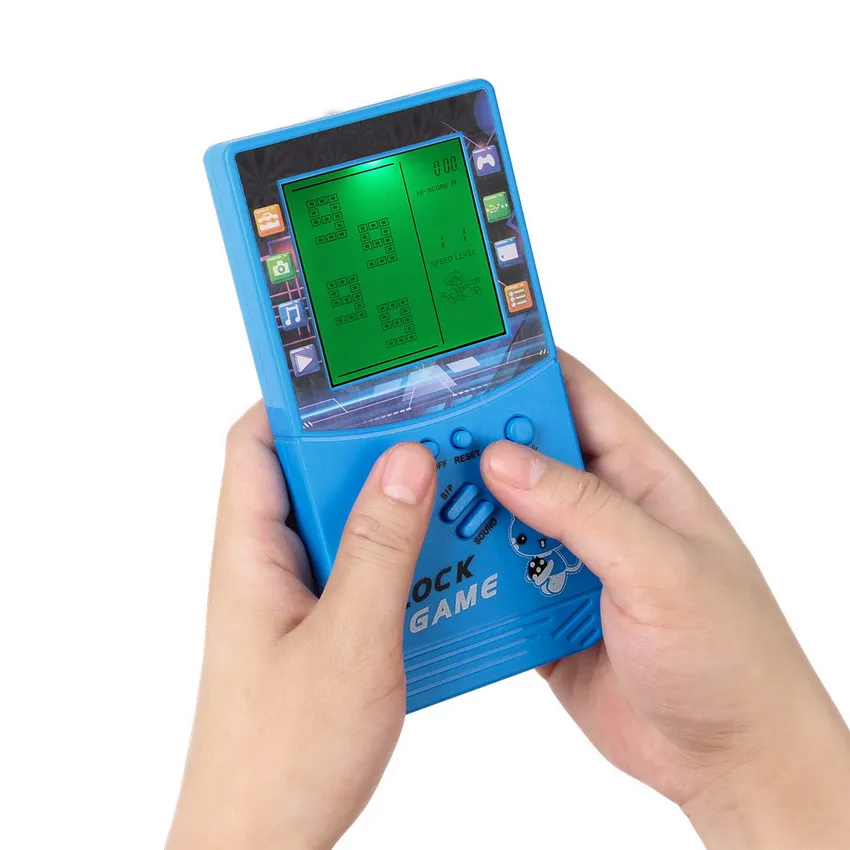
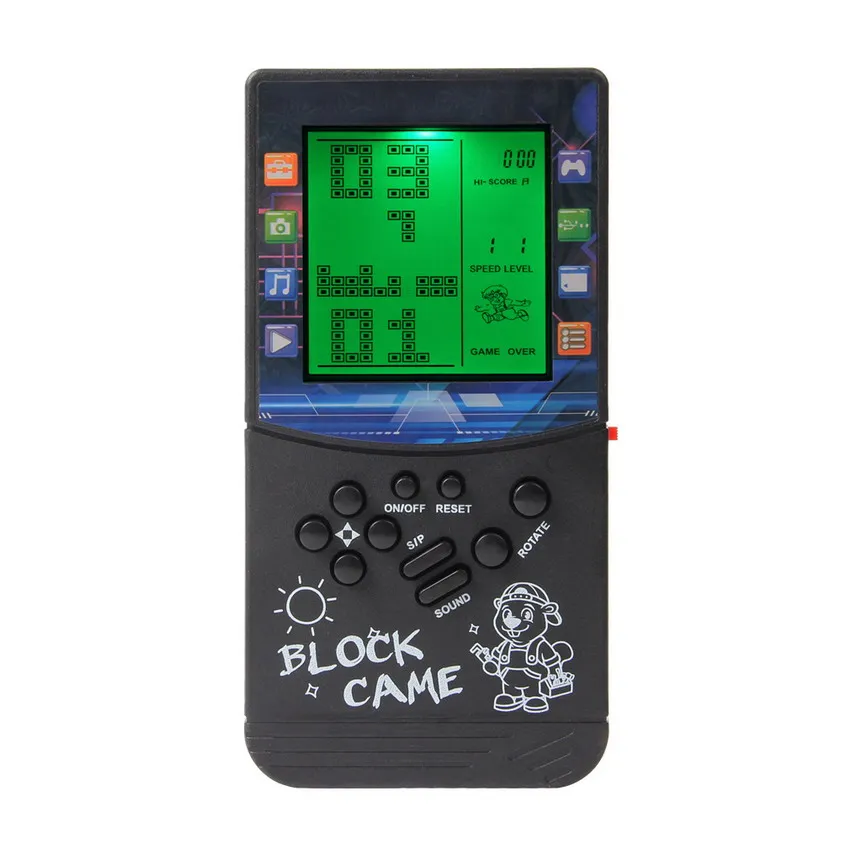
Key Product Features:
1. Green backlight function. Push the red switch upward on the right side of the game console to turn on the backlight. The screen will display better. You can continue to play games even in places with poor lighting. This is one of the best gifts for others, and also the best companion for you on the journey or to pass the boring time.
2. Large screen, the screen area is 3 times of the ordinary brick game console, so that players can see more clearly; Ergonomic appearance design, better grip and comfortable operation.
3. There are 23 built-in games, and each game has different modes. You can press "ROTATE" to adjust the number at the top of the screen to select a game. The number "01" is a classic Brick game. Many people like it. After selecting the number on the top of the screen, press the up/down button to select different modes of the game. Classic, nostalgic and puzzle games can bring you happiness,
4. The difficulty and speed of the game can be adjusted. After selecting the game you want to play, press the left direction key to adjust the difficulty level before the game starts, and press the right direction key to adjust the speed to meet the needs of players at different levels.
5. The game can be paused and played again next time without restarting. How to operate: press the "S/P" key to pause the game, and then press the "ON/OFF" key to shut down. Next time, press the "ON/OFF" key to start the game, and then press the "S/P" key to start the game.
6. Powered by 2 * AA battery, you can easily buy it. Two No. 5 batteries can be used for 4 weeks (depending on the quality of the battery). Product weight/size: 90g/16 * 8 * 2CM; Weight/size of product with packing box: 110g/16.5 * 8.5 * 2.5CM;
Game list:
01.Classic Brick game
02-08.Other modes of Brick games
09.Tanks war
10.Racing game
11.Bounce ball
12.Shooting game
13.Barriers to Bounce ball
14-15.Eliminate/Fill the shooting game
16-23.Various reverse Brickgames
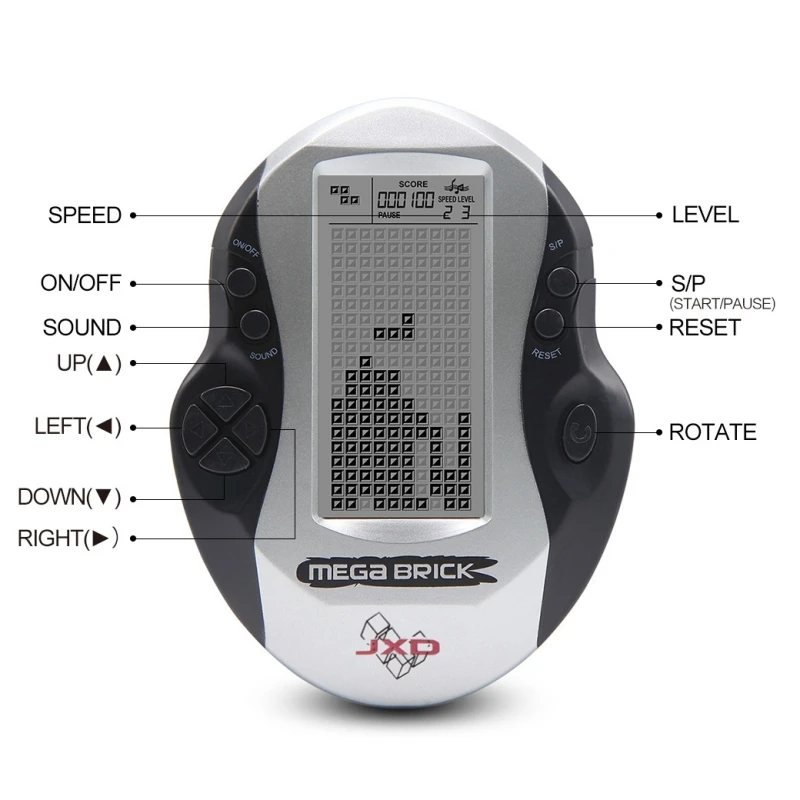
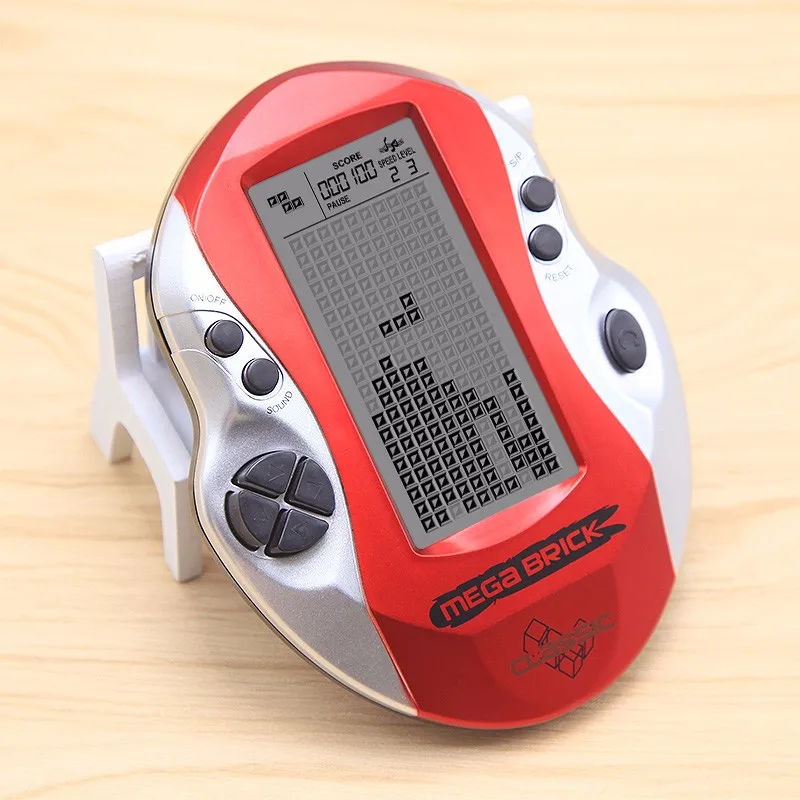
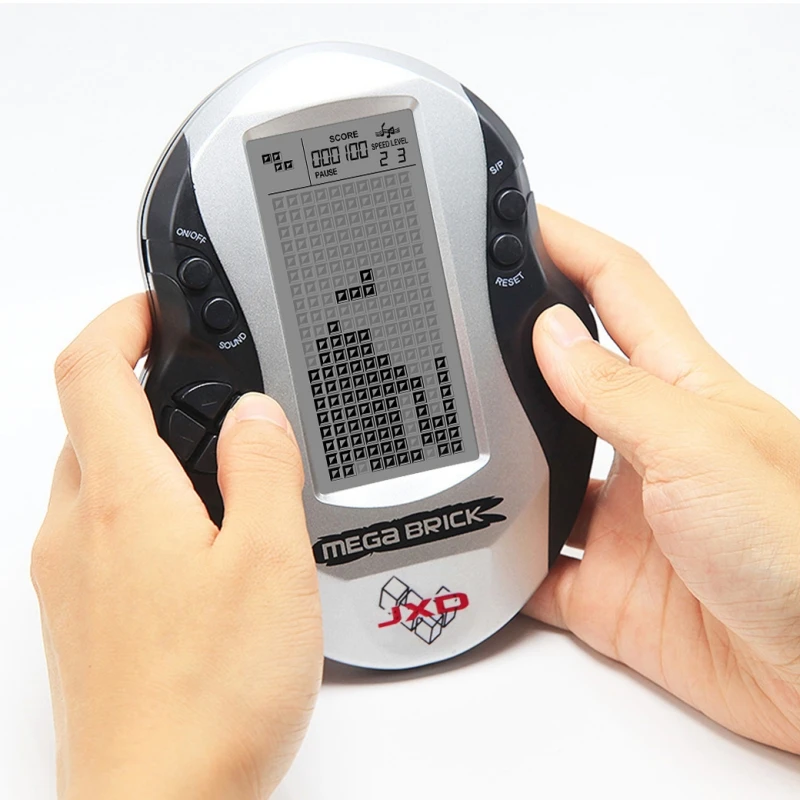
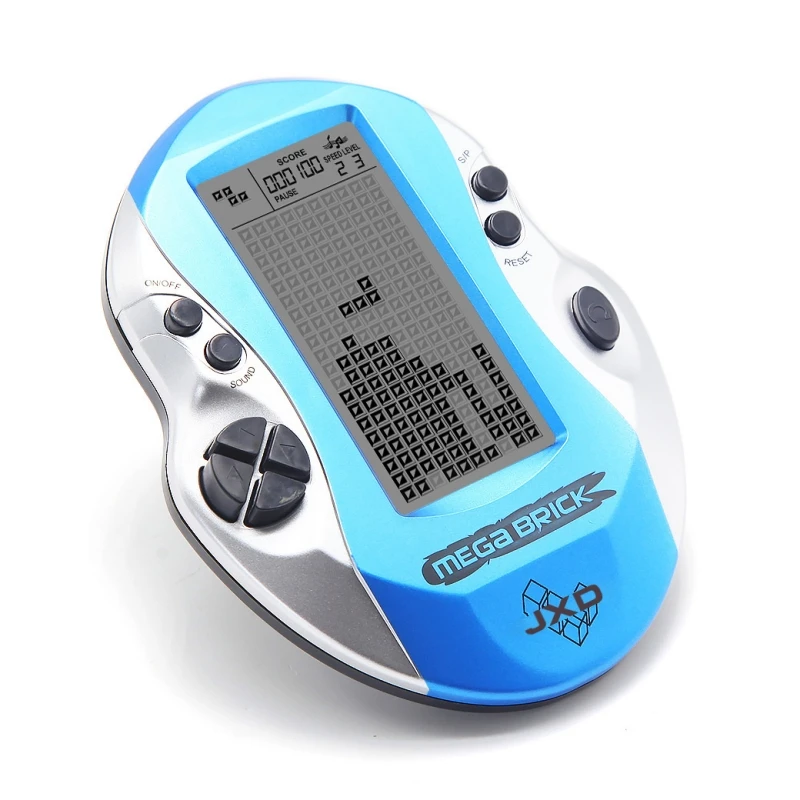
Key Product Features
-
Large Eye-Friendly Screen3.35 × 1.57 inch large screen designed to reduce eye strain, providing a comfortable viewing experience.
-
Unique Ergonomic DesignStylish appearance with great hand feel, suitable for players of all ages.
-
26 Built-in Classic Brick GamesGames labeled A–Z for quick selection. Nostalgic, fun, and brain-training puzzles that bring back wonderful childhood memories.
-
Adjustable Speed & DifficultyCustomize game speed and difficulty to match your skill level. For clearer viewing, we recommend holding the console at a 45° angle while playing.
-
4-Level Volume ControlPress the SOUND key to cycle through 4 settings: High / Medium / Low / Mute.Powered by 2 AAA batteries (not included).
Key Functions
- ON/OFF: Power the console on or off.
- ROTATE: Cycle through game selections before starting; used for in-game actions during play.
- SOUND: Adjust volume level (High/Med/Low/Mute).
- Start/Pause (S/P): Start or pause the current game.
- UP/DOWN/LEFT/RIGHT: Control in-game movement and direction.
Game List & Controls
-
A: Tank War
UP/DOWN/LEFT/RIGHT to move; ROTATE to fire bullets.
-
B: Racing Game
LEFT/RIGHT to steer; ROTATE to accelerate.
-
C: Memory Challenge
Memorize the flashing square positions and order, then repeat with UP/DOWN/LEFT/RIGHT.
-
D: Shooting Game
LEFT/RIGHT to move; ROTATE to fire bullets.
-
E: Brick Breaker
UP/DOWN/LEFT/RIGHT to control; ROTATE to increase ball speed.
-
F: Whack-a-Mole
Press UP/DOWN/LEFT/RIGHT according to the flashing squares.
-
G: Target Shooting
LEFT/RIGHT to move; ROTATE to fire bullets.
-
H: Matching Game
Use direction keys to align blocks, then press ROTATE to match.
-
I: Classic Brick Game
LEFT/RIGHT to move paddle; ROTATE to rotate pieces.
-
J–Z: Various Brick Games
LEFT/RIGHT to control; ROTATE to rotate blocks.
Game Progress Save
- Press S/P to pause the game.
- Press ON/OFF to power off.
- Next time you turn on the console, you can resume from your saved progress.
Special Note


